
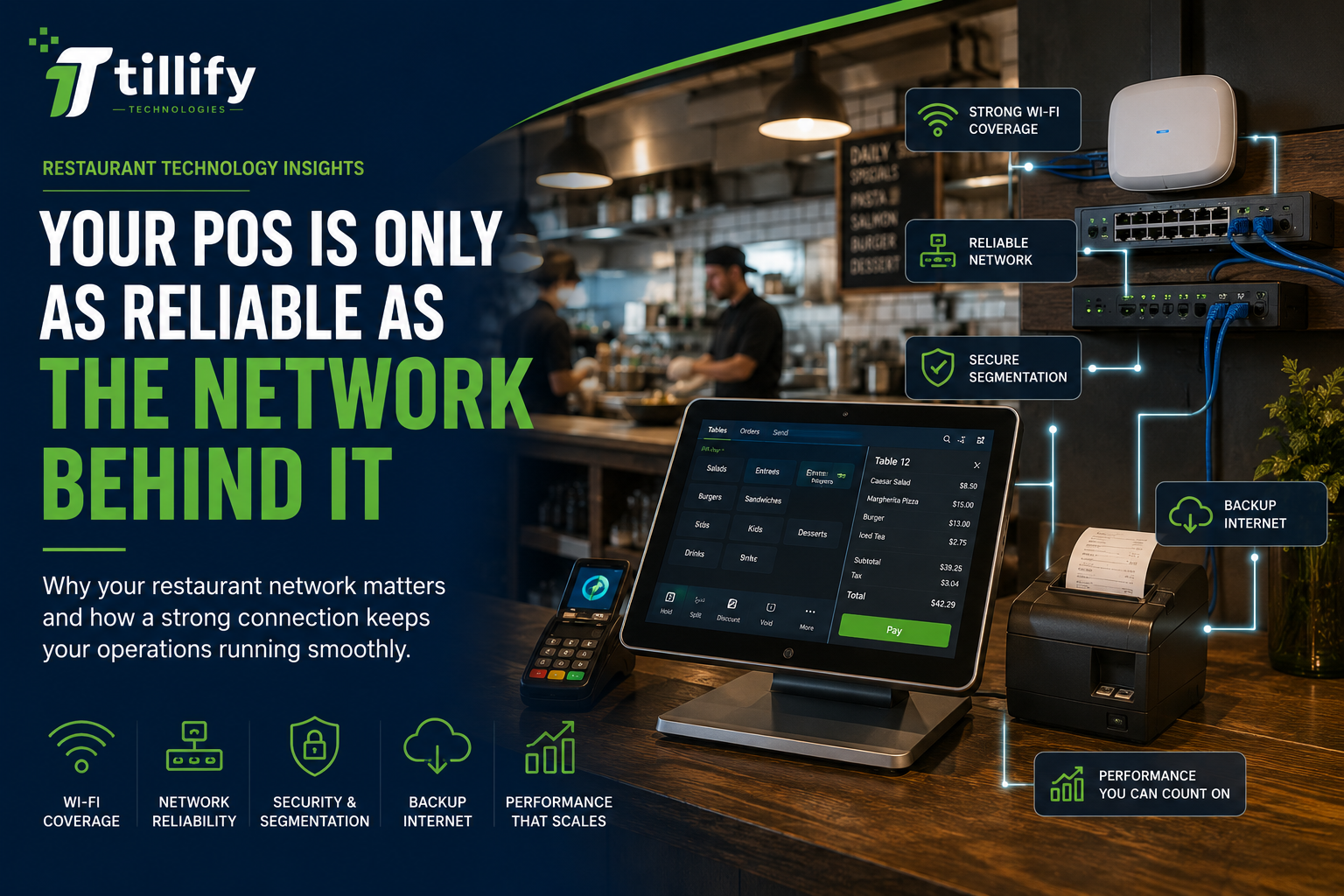
When a restaurant's technology stops working, the POS system often gets blamed first. A terminal can't communicate with a kitchen printer. A handheld suddenly goes offline. Credit card transactions slow down. Online orders aren't reaching the kitchen. A kitchen display loses its connection. It looks like a POS problem. Sometimes, the POS isn't the problem. The network connecting everything is the issue. As restaurants have added more technology, their networks have quietly become critical infrastructure. Yet networking is still one of the easiest parts of a restaurant's technology environment to overlook. Here's why it matters and what restaurant owners should be thinking about.
Your Restaurant Uses More Networked Technology Than You May Realize
Years ago, a restaurant network might have supported an office computer and a few POS terminals.
That's changed.
A modern restaurant may have dozens of connected devices, including:
- POS terminals
- Handheld ordering devices
- Payment terminals
- Kitchen display systems (KDS)
- Kitchen and receipt printers
- Online ordering systems
- Delivery integrations
- Guest-facing displays
- Self-service kiosks
- Back-office computers
- Security cameras
- Music systems
- Digital menu boards
- Employee devices
- Guest Wi-Fi
Some communicate over the internet. Others communicate with devices elsewhere inside the restaurant. Either way, they depend on the underlying network. When that network isn't designed properly, seemingly unrelated technology problems can start appearing throughout the restaurant.
Wi-Fi and Internet Aren't the Same Thing
This is an important distinction.
Restaurants sometimes describe any connectivity problem as:
"The Wi-Fi is down."
But your internet connection and local network are different. Your internet connection connects the restaurant to services outside the building. Your local network allows devices inside the restaurant to communicate with one another. And Wi-Fi is simply one way devices connect to that network. That means you can have perfectly functioning internet service and still have network problems inside the restaurant. You can also lose your internet connection while some local POS functions continue operating normally. Knowing which connection is failing makes troubleshooting much easier.
Consumer Networking Equipment May Not Be Enough
A router that works perfectly well in a house isn't necessarily designed for a busy restaurant. Think about the environment. You may have dozens, or potentially hundreds, of devices connecting throughout the day. Employees are moving around with handhelds. Guests are using Wi-Fi. Online orders are arriving. Security cameras are transmitting data. Meanwhile, walls, kitchen equipment, refrigeration, building materials, and the restaurant's physical size can all affect wireless coverage. The router your internet provider gives you may technically offer Wi-Fi. That doesn't necessarily mean it provides the coverage, capacity, control, or reliability your restaurant needs.
Guest Wi-Fi Shouldn't Be Your POS Network
Offering Wi-Fi to guests can be a nice amenity. Putting guests and critical restaurant systems on the same unrestricted network is another matter. Your POS terminals, payment devices, kitchen systems, office computers, cameras, employees, and guests don't necessarily need to communicate with one another. A properly designed restaurant network can separate different types of traffic.
For example, you might have separate network segments for:
Restaurant operations
POS terminals, printers, and kitchen systems.
POS terminals, printers, and kitchen systems.
Payment systems
Devices involved in payment processing.
Devices involved in payment processing.
Business systems
Office computers and administrative devices.
Office computers and administrative devices.
Guest Wi-Fi
Customer phones, tablets, and laptops.
Customer phones, tablets, and laptops.
Other connected equipment
Cameras, music, digital signage and similar devices.
Cameras, music, digital signage and similar devices.
The exact configuration depends on the restaurant and its technology, but the principle is simple:
Not every device needs access to every other device.
That can improve both reliability and security.
Wireless Coverage Matters More With Handheld POS Systems
Handheld ordering has made wireless network design particularly important. A stationary POS terminal sits in one place. A server carrying a handheld might walk from the dining room to the patio, into a private dining room, through the bar, and back toward the kitchen. The device needs reliable connectivity throughout that journey. One wireless access point tucked into an office may not provide adequate coverage. Poor coverage can cause intermittent problems that are especially frustrating because everything works most of the time.
The handheld works at one table.
It struggles at another.
It disconnects near the patio.
It reconnects when the server walks toward the bar.
Those symptoms may look like a faulty handheld or POS application when the actual issue is wireless coverage.
Printers Can Expose Network Problems
Kitchen printers have an uncanny ability to become the center of a restaurant technology emergency.
An order doesn't print.
Someone sends it again.
Now two copies appear.
The kitchen makes both.
Meanwhile, everyone assumes the printer is broken.
Sometimes it is.
But network connectivity can also be responsible.
Many modern restaurant printers communicate with POS systems over the local network. If the connection between the terminal and printer becomes unreliable, printing problems can appear even when both devices are functioning properly. That's why troubleshooting restaurant technology requires looking at the entire path between systems, not just replacing the device where the problem shows up.
What Happens When Your Internet Goes Down?
Restaurants should know the answer before an outage happens. Modern cloud-based POS systems vary significantly in how they behave without internet connectivity.
Depending on your system, an outage could affect:
- Credit card authorization
- Online ordering
- Delivery integrations
- Cloud reporting
- Loyalty programs
- Gift cards
- Remote management
- Certain POS functions
Some systems provide substantial offline functionality. Others become much more limited. Restaurant owners should understand exactly what their POS can and cannot do during an outage. Then decide whether additional redundancy makes sense.
Should Your Restaurant Have Backup Internet?
For some restaurants, yes.
A secondary internet connection can provide another path online if the primary service fails. That might be another wired internet provider, cellular connectivity, or another backup solution. Simply having two connections doesn't automatically provide redundancy. The network needs to be configured so the backup connection can actually take over when needed. And you should test it. A backup system you've never tested isn't much of a backup plan. Whether the additional expense makes sense depends on your operation, but consider the potential cost of losing connectivity during your busiest service period.
Don't Forget the Physical Infrastructure
Not every networking problem is wireless.
Cabling matters too.
Restaurants can be particularly challenging environments for network cabling because technology gets added over time.
A new POS terminal gets installed.
Then cameras.
Then a kitchen display.
Then another access point.
Eventually, nobody is quite sure which cable goes where.
Good infrastructure should be organized and documented.
Network equipment should also be installed somewhere appropriate, not balanced on a shelf next to cleaning supplies or buried underneath a pile of equipment where nobody can reach it.
Small details make future troubleshooting much easier.
Document Your Network
You don't need to become a network engineer to own a restaurant, but someone should understand how your restaurant's technology is connected.
Basic documentation can include:
- Internet providers
- Network equipment
- Wireless access points
- Important network-connected devices
- Equipment locations
- Backup internet information
- Vendor support contacts
- Which company manages which equipment
This becomes especially valuable when something goes wrong. Instead of several vendors pointing at one another, you have a clearer picture of how everything is connected and who is responsible for each component.
Avoid the Vendor Blame Game
Restaurant technology often involves several companies.
The POS provider says it's the network.
The internet provider says their connection is working.
The network provider says it's the POS.
The printer manufacturer says it's not the printer.
Meanwhile, the restaurant wants tickets to reach the kitchen.
This is one reason it's useful to think of restaurant technology as an ecosystem rather than a collection of individual products.
A problem with one component can affect several others.
Effective troubleshooting means determining where the failure is actually occurring rather than assuming the most visible symptom identifies the cause.
Signs Your Restaurant Network May Need Attention
Not every occasional technology problem means you need to rebuild your network, but recurring symptoms deserve investigation.
Watch for things such as:
- Handhelds disconnecting in certain areas
- Kitchen printers intermittently going offline
- POS terminals frequently losing connectivity
- Significant differences in Wi-Fi performance around the restaurant
- Devices that regularly need to be restarted
- Online systems becoming unreliable during busy periods
- Guest Wi-Fi affecting business systems
- Unlabeled or poorly organized networking equipment
- Nobody knowing how the network is configured
If you're repeatedly solving the same connectivity problems, rebooting equipment may treat the symptom rather than fix the underlying issue.
The Bottom Line
Your restaurant network isn't particularly exciting when it's working properly. That's exactly how it should be. Employees shouldn't have to think about access points, switches, IP addresses, internet failover, or network segmentation while they're serving guests. They should ring in an order and have it reach the kitchen. They should process a payment and have it work. They should walk across the dining room with a handheld without wondering whether they'll lose connectivity. As restaurants become increasingly dependent on technology, the infrastructure that connects it deserves the same attention as the devices themselves. A great POS system can't compensate for an unreliable network.
Having Restaurant Technology Problems?
A POS problem isn't always a POS problem. Tillify Technologies helps restaurants see the bigger technology picture, from point-of-sale systems and hardware to installation, connectivity, configuration, and ongoing support. When technology isn't working as it should, identifying the source of the problem is the first step toward fixing it. Build restaurant technology that works together.
Comments