
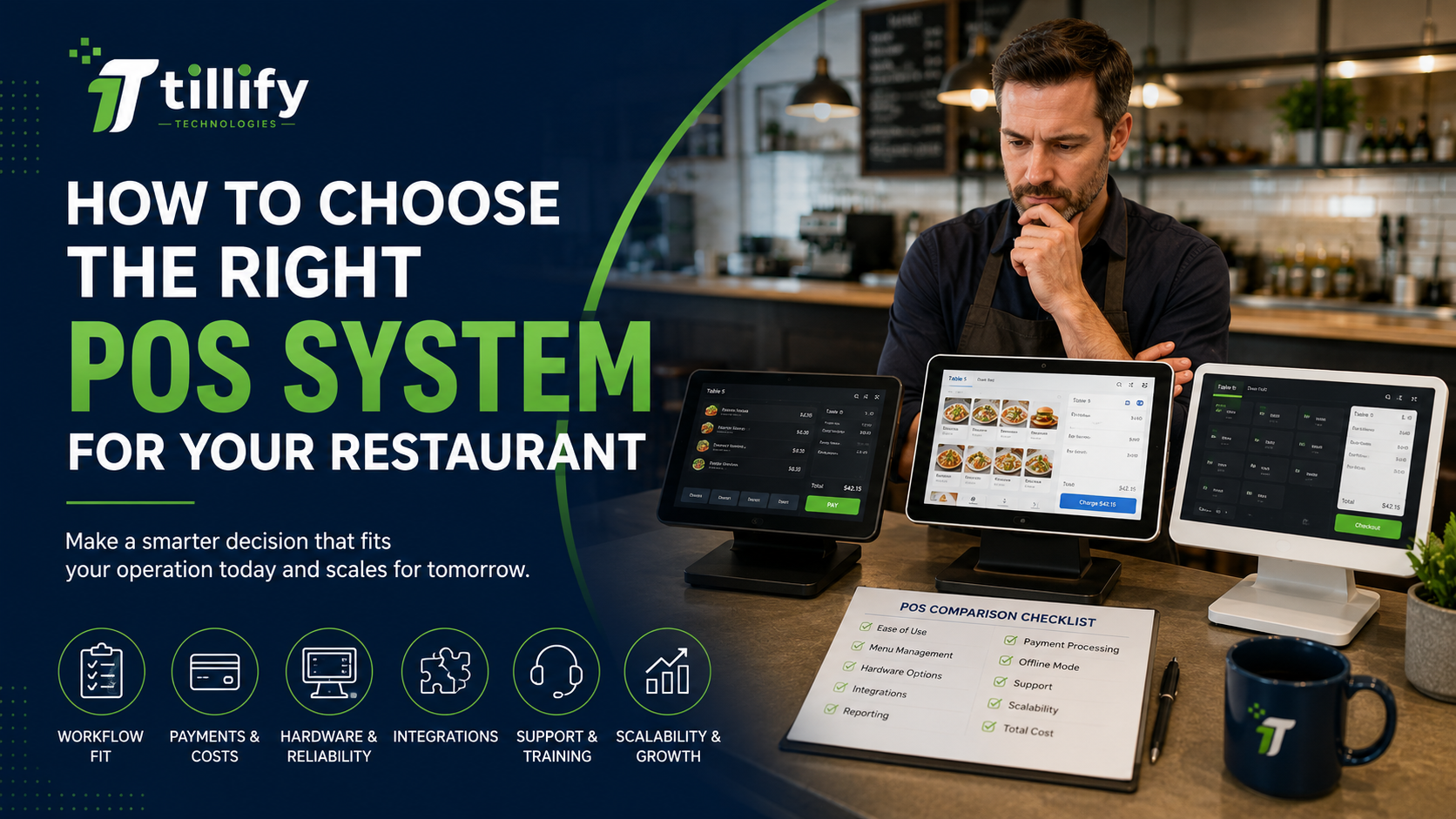
Choosing a point-of-sale system is one of the bigger technology decisions a restaurant owner will make.
Your POS isn’t just where you swipe a credit card. It can affect how quickly employees enter orders, how information reaches the kitchen, how managers track sales, how guests order online, how you manage multiple locations, and how easily other restaurant technology works together. That’s why choosing a POS based on a demo, a low monthly price, or a long list of features can be a mistake.
The best POS system isn’t necessarily the one with the most features. It’s the one that fits the way your restaurant actually operates. Before signing a contract, restaurant owners should evaluate these areas.
1. Start With Your Restaurant, Not the POS
Before comparing POS companies, take a close look at your operation. A quick-service restaurant has very different requirements from a full-service restaurant. A neighborhood bar doesn’t operate like a multi-location fast-casual concept. Think about how an order moves through your restaurant from beginning to end.
Consider:
- Full service, quick service, counter service, or a combination
- Number of POS terminals needed
- Tableside ordering
- Bar service
- Takeout and delivery
- Online ordering
- Drive-thru or kiosk ordering
- Kitchen printers or kitchen display systems
- Multiple revenue centers
- Catering
- Multiple locations
The goal is to identify what your restaurant actually needs before a salesperson starts showing you what their system can do. A feature isn’t valuable simply because it’s available. It needs to solve a problem in your operation.
2. Pay Attention to How the Menu Works
The menu is one of the most-used parts of any restaurant POS system, but it's easy to overlook during a sales demo. Don’t just look at how attractive the ordering screen is. Think about what happens when you load your real menu into it.
Can the system handle your modifiers?
What about required choices, substitutions, upcharges, combo meals, happy-hour pricing, different serving sizes, or items available only at certain times?
For a restaurant with a complicated menu, how a POS handles modifiers can significantly affect order-entry speed and accuracy. Ask to see a menu similar in complexity to yours during the demonstration. Better yet, have the provider demonstrate how one of your actual menu items would be configured and ordered.
3. Understand the Payment Processing Relationship
Payment processing is an important part of the POS decision because the cost of accepting payments can ultimately be much greater than the monthly software subscription. Some POS platforms require you to use their payment processing. Others allow you to choose among processors. Neither arrangement is automatically good or bad, but you should understand exactly what you’re agreeing to.
Ask:
- Do you need to process payments through the POS provider?
- What are the processing rates?
- Are there additional transaction or authorization fees?
- How are keyed transactions priced?
- How are online orders priced?
- What happens to the processing rate when the contract renews?
- Can rates change during the agreement?
- Is there an early termination fee?
- Who owns the payment hardware?
Don’t evaluate a POS using the software subscription alone. Look at the total cost of the relationship.
4. Evaluate the Hardware
POS hardware lives in a difficult environment. Restaurant equipment is exposed to heat, grease, spills, food, constant use, and employees who aren’t always gentle with it.
Ask what hardware the system requires and what happens when something fails.
Consider:
- POS terminals
- Handheld ordering devices
- Guest-facing displays
- Receipt printers
- Kitchen printers
- Kitchen display systems
- Cash drawers
- Barcode scanners
- Payment terminals
- Kiosks
Also find out whether the hardware is proprietary. If you decide to switch POS systems later, can you reuse any existing equipment, or will you need to replace everything?
5. Look Closely at Integrations
Most restaurants use far more technology than just their POS.
You may already have systems for:
- Online ordering
- Third-party delivery
- Reservations
- Loyalty
- Gift cards
- Inventory
- Scheduling
- Payroll
- Accounting
- Marketing
- Kitchen displays
Before choosing a POS, identify the systems you already use and determine whether they integrate directly.
But don’t stop at asking:
“Does it integrate?”
Find out what the integration actually does. Two systems can technically integrate but still require employees or managers to do significant manual work. Ask what information moves between the systems, how often it synchronizes, and which company provides support if something stops working.
6. Find Out What Happens When the Internet Goes Down
Cloud-based POS systems have many advantages, but restaurants still need to operate when their internet connection isn’t cooperating. Ask the provider to explain exactly what happens during an outage.
Can employees continue entering orders?
Can orders still reach the kitchen?
Can you accept payments?
What functionality becomes unavailable?
What happens when connectivity returns?
You should also consider whether your restaurant needs a secondary internet connection or cellular backup. A restaurant full of guests is a bad time to discover how your POS handles an internet outage.
7. Don’t Underestimate Support
Support may not seem particularly important during a polished sales demonstration. It becomes much more important when something isn’t working at 7:30 on a Saturday night.
Ask:
- Is support available 24/7?
- Is phone support available?
- Who answers the phone?
- Are there different support tiers?
- Is after-hours support included?
- Who handles hardware failures?
- How quickly can they ship replacement equipment?
- Who supports third-party integrations?
It’s also worth asking whether the same organization that sold you the system handles implementation and ongoing support. The quality of the technology matters. The quality of the support behind it matters too.
8. Think About Reporting Before You Need It
Nearly every modern POS system advertises extensive reporting. That doesn’t necessarily mean you’ll get the information you need in the format you want. Think about the questions you regularly ask about your restaurant.
What were sales compared with last year?
Which menu items are selling?
How much are you discounting?
What’s happening with voids and comps?
How are different locations performing?
Can information easily be exported to accounting or business intelligence tools?
During the POS demonstration, ask to see the actual reports. Not just a dashboard with attractive charts.
9. Consider Where Your Restaurant Is Going
You shouldn’t buy technology solely for a hypothetical future, but you also don’t want to outgrow your POS shortly after installing it.
If expansion is realistic, ask how the system handles:
- Additional locations
- Centralized menu management
- Enterprise reporting
- Shared gift cards
- Loyalty across locations
- User permissions
- Franchise or ownership structures
Changing POS systems can be disruptive and expensive. Choosing a platform that supports reasonable growth can save considerable work later.
10. Understand the Full Cost
Restaurant POS pricing can be surprisingly complicated. The advertised monthly software price may be only one part of the expense.
Your total cost could include:
- Software subscriptions
- Hardware
- Installation
- Payment processing
- Online ordering
- Loyalty
- Gift cards
- Scheduling
- Inventory
- Kitchen display software
- Additional locations
- Additional terminals
- Cellular connectivity
- Support plans
- Third-party integrations
Before signing, ask for a complete breakdown of both one-time and recurring costs. Then calculate what the system is likely to cost over several years, not just during the introductory period.
11. Get the Contract in Writing
Don’t rely solely on what was discussed during the sales process. Before signing anything, review the actual agreement.
Pay particular attention to:
- Contract length
- Automatic renewals | Auto-renewal of contract terms
- Cancellation requirements
- Early termination fees
- Hardware ownership
- Payment-processing commitments
- Rate-change provisions
- Data access
- Data export
- Support obligations
When something important is promised during the sales process, make sure the agreement reflects that promise.
12. Test the System Like a Restaurant Employee
One of the best ways to evaluate a POS is to stop looking at it like an owner and start looking at it like the person who will use it hundreds of times per shift. During a demonstration, don’t just watch the salesperson.
Try it.
Ring in a complicated order.
Modify an item.
Split a check.
Transfer a table.
Apply a discount.
Void an item.
Add a tip.
Run a refund.
Find a previous transaction.
Then consider how easily a new employee could learn those same tasks.
A system can have impressive technology behind it and still create unnecessary friction for the people using it every day.
Don’t Look for the “Best” Restaurant POS
Restaurant owners frequently ask:
What’s the best POS system?
There isn’t one answer.
A POS that’s excellent for a five-location fast-casual concept may be a poor choice for an independent fine-dining restaurant. A system that’s perfect for a coffee shop may frustrate a high-volume bar.
The better question is:
What’s the best POS system for the way my restaurant operates?
Answering that requires looking beyond feature lists and monthly pricing. Consider your workflow, menu, employees, payments, integrations, hardware, network, reporting requirements, support expectations, and plans.
The Bottom Line
Choosing a restaurant POS is ultimately about fit. The right system should make everyday tasks easier, give management better information, work reliably with the rest of your technology, and support the way your restaurant serves its guests. Take the time to understand your requirements before comparing vendors. You’ll be in a much better position to evaluate what you’re being sold and much less likely to spend the next several years working around a system that was never quite right for your restaurant.
Need Help Evaluating Your POS Options?
Tillify Technologies helps restaurants navigate point-of-sale technology without starting with a particular POS vendor. We can help you identify your operational requirements, evaluate your options, understand the technology involved, and plan for implementation so you can make a more informed decision. Choosing a POS? Start with your restaurant, not the sales pitch.
Comments